How I Claimed LP from a Shut (Inactive) Pool

Long story short: the site was broken, I couldn’t unstake, the project was dead—so I claimed directly via the smart contract in the explorer.
If you were with me during the Blast airdrop farming days, you’ll remember that we had to provide LP to earn points and badges. That LP was locked for a certain period. In my case, the lock period was quite long, even after the airdrop ended. After the airdrop, I didn’t engage much with the Blast chain.
- Fifteen months later
This morning, I discovered in my Rabby wallet that I still have a position on Blast — and it’s been claimable since June 2024, but I never did it. So I quickly went back to check my notes, and here’s what I found:

It wasn’t worth much back then, but today it’s around $120 — and that’s where my story begins.
Next, I went to the Hyperlock website, and here’s what I found:
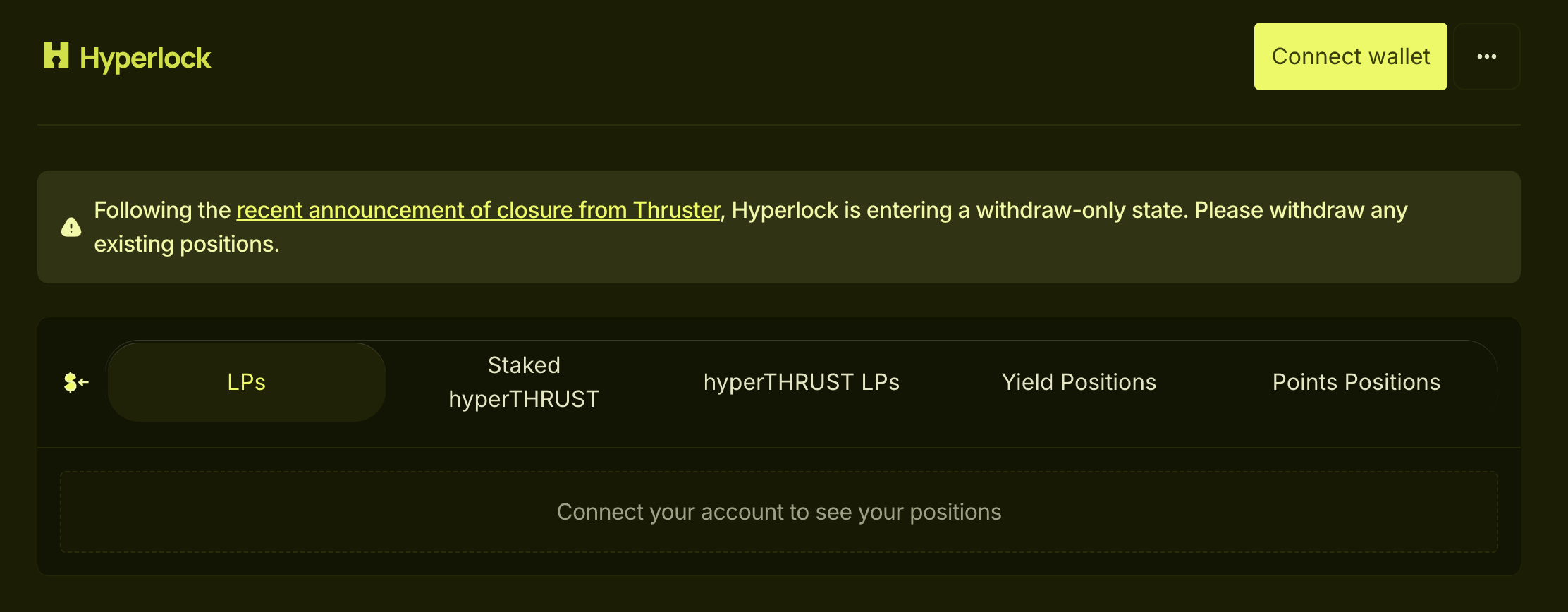
I still can’t remember what Thruster actually is — but it says it’s closed.
What? Why?
So I started clicking every button on the website, trying to find where I could withdraw my position. After several minutes of searching, I finally found this:
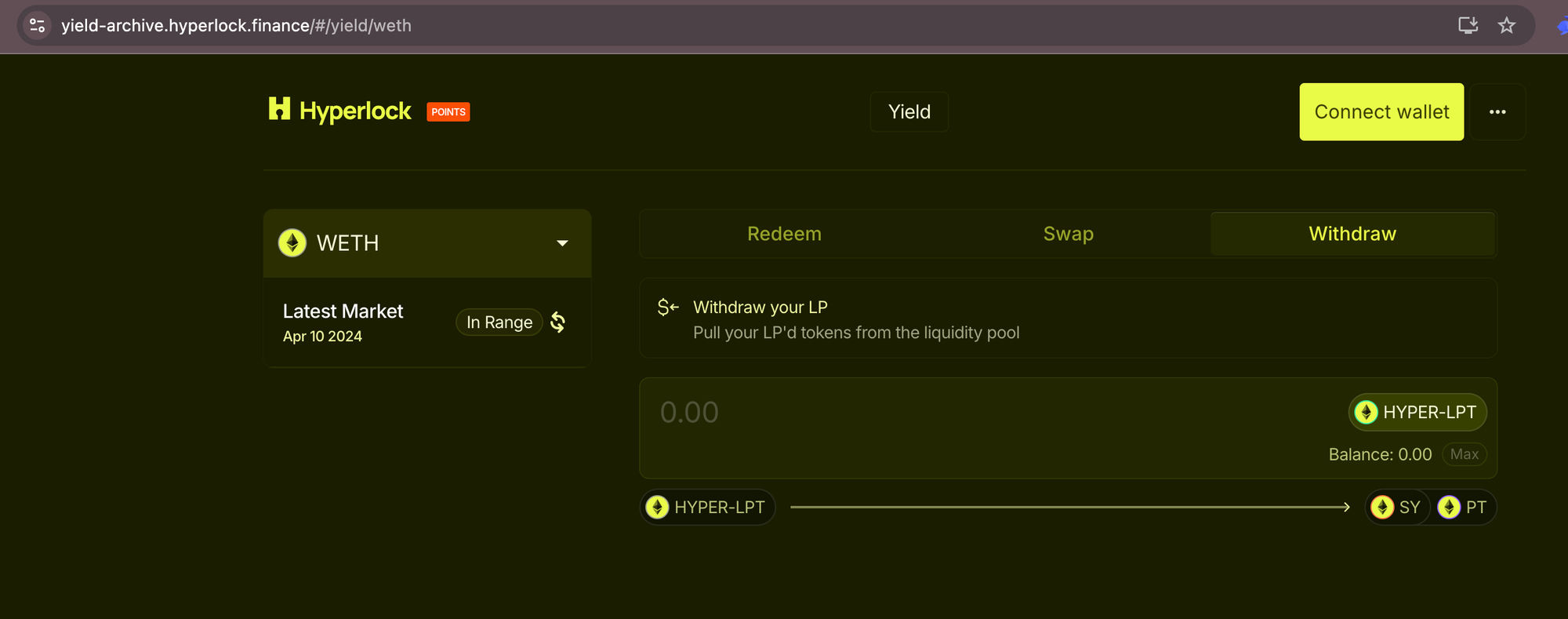
Then I withdrew the position, signed in Rabby wallet, and got WETH. Sounds great, right? I figured I’d just swap WETH → ETH and bridge to another chain. Happy ending. It felt like finding a hundred dollars in a piggy bank I forgot I had.
But when I tried to swap, my WETH balance showed zero. Panic again. The app said the transaction was successful—so why zero? After digging, I realized the WETH was still in a staking pool, not in my wallet balance.
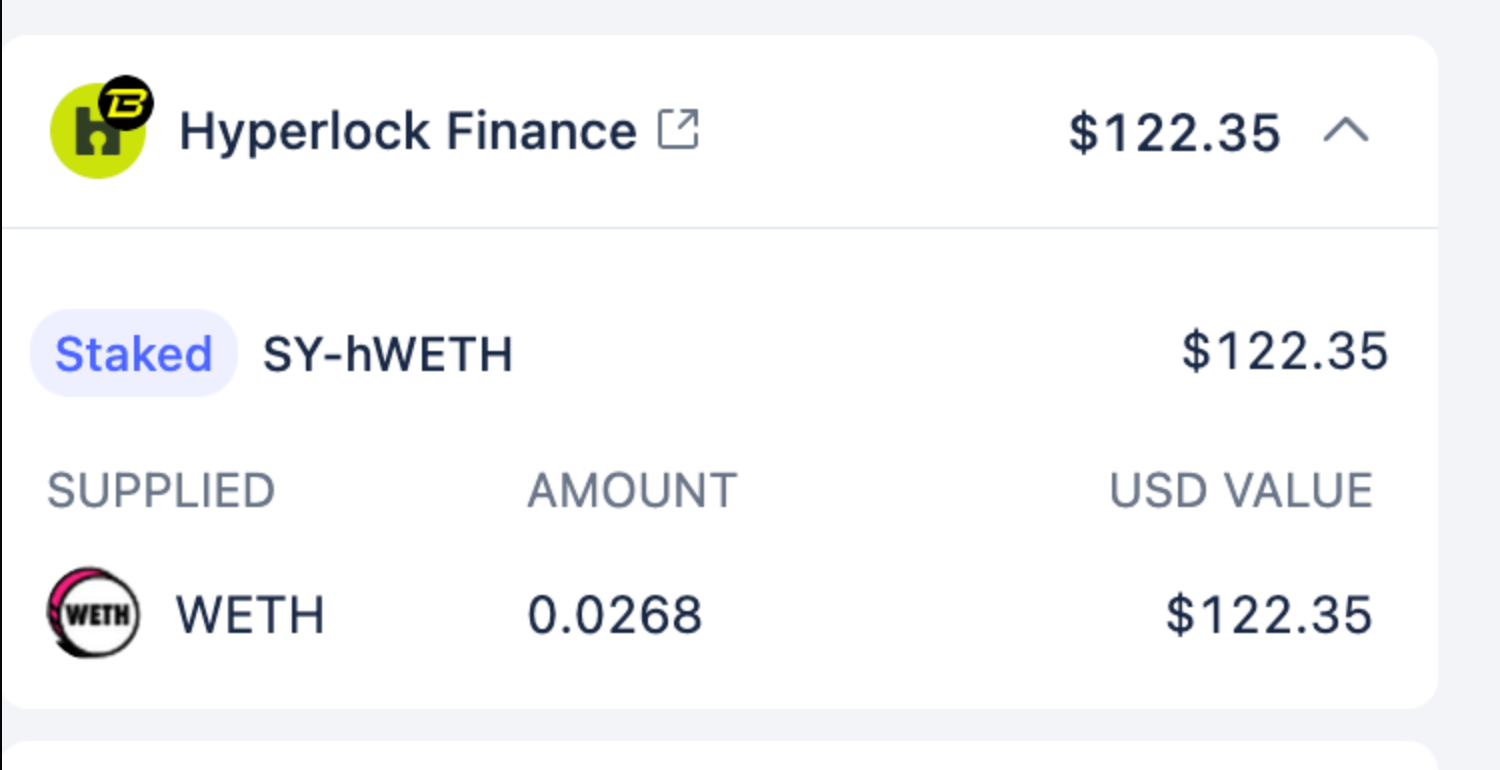
That meant my WETH was stuck in a staking pool. I went back to clicking every button on both Hyperlock and Thruster, but this time I couldn’t find the way out. It was frustrating—like having a $100 bill trapped in a piggy bank I couldn’t break open.
Then I remembered: even if the app doesn’t help, we can still interact directly with the smart contract. You just connect your wallet to the explorer and execute the functions yourself. The catch is you must call the right function with the right inputs. I knew this from a couple of years ago when I minted an NFT straight from the contract instead of OpenSea.
Warning: Calling contracts directly can be risky. A wrong address, function, or parameter can permanently lock or burn your funds. Always verify the contract, simulate the call, start with a small test, and set a sane minTokenOut. Use a hardware wallet and double-check chain + params on-device.So, I asked ChatGPT for help—and here’s what I found.
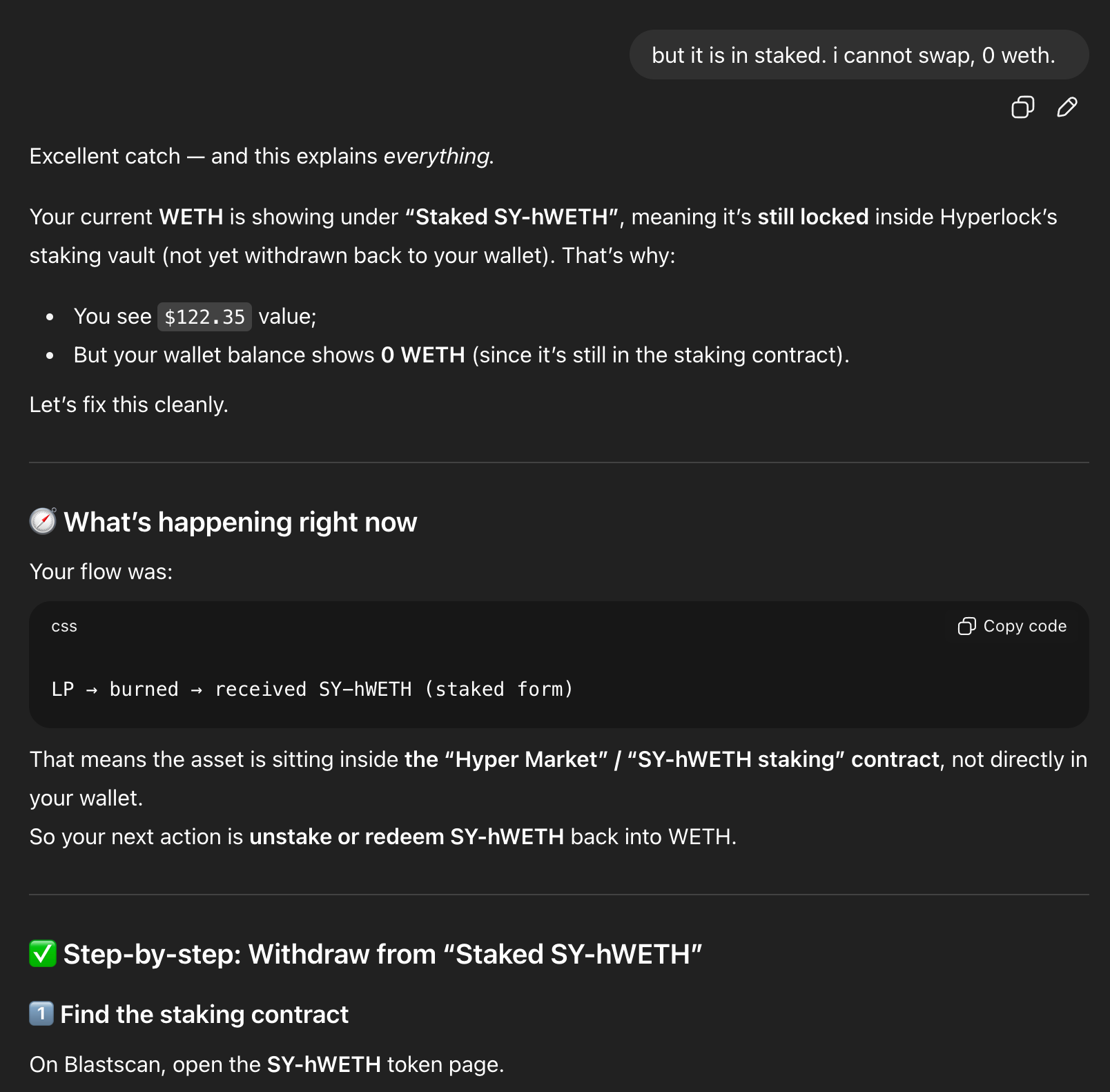
So I went to the Blast explorer to find the contract. To be honest, I just copied and pasted my latest transaction, and ChatGPT helped me track down the right contract. Then I opened the Contract tab → Write Contract.
There were 17 functions listed:
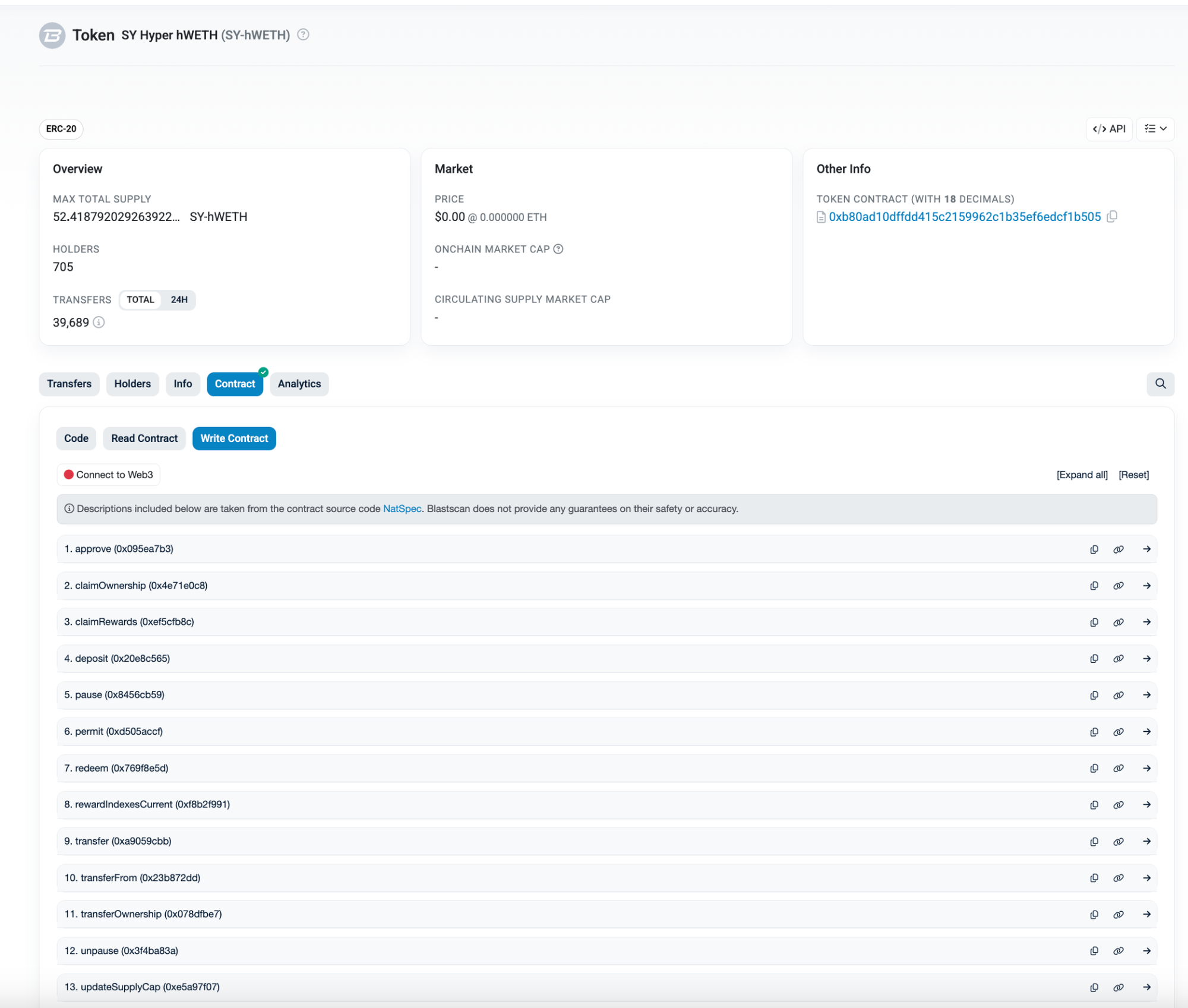
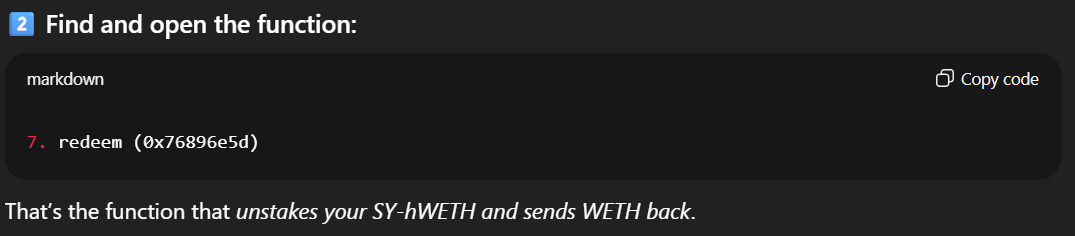
I had no idea which function to execute. With ChatGPT’s help, it turned out to be Function #7 — redeem.
Next, I executed the contract. There were five inputs I had to provide before hitting Write. With ChatGPT’s help, I filled them in and ran the call:
- receiver (address): my wallet address
- tokenOut (address): the WETH token address on Blast
- minTokenOut (uint256):
0(accept any amount) - burnFromInternalBalance (bool):
false(ChatGPT’s recommendation) - amountSharesToRedeem (uint256): the number of shares to redeem — I got this by using the Read tab →
balanceOf(address)(Function #5, picture below)
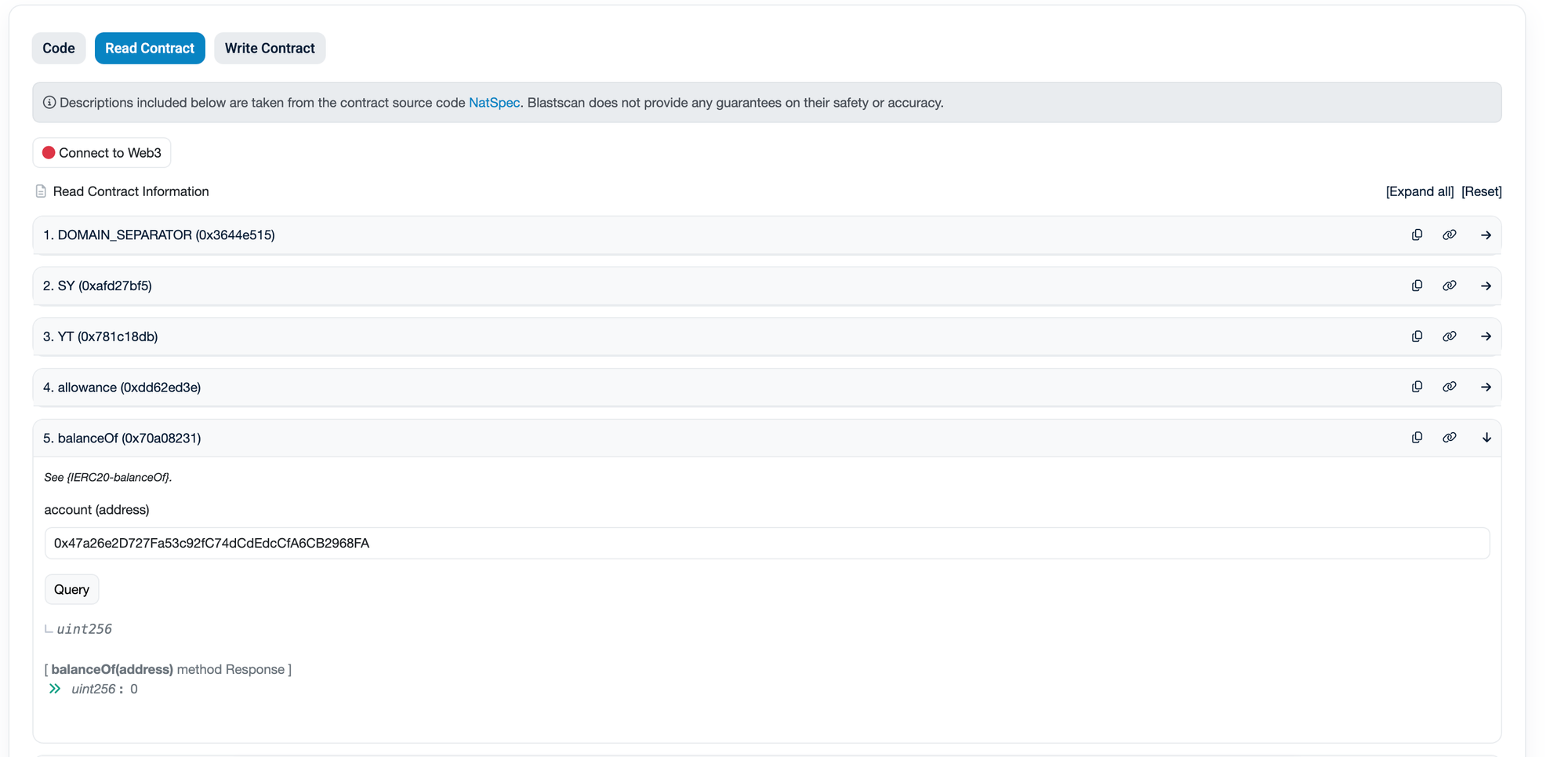
After you’ve gathered all the details, just plug them into the Write function—and… here we go!
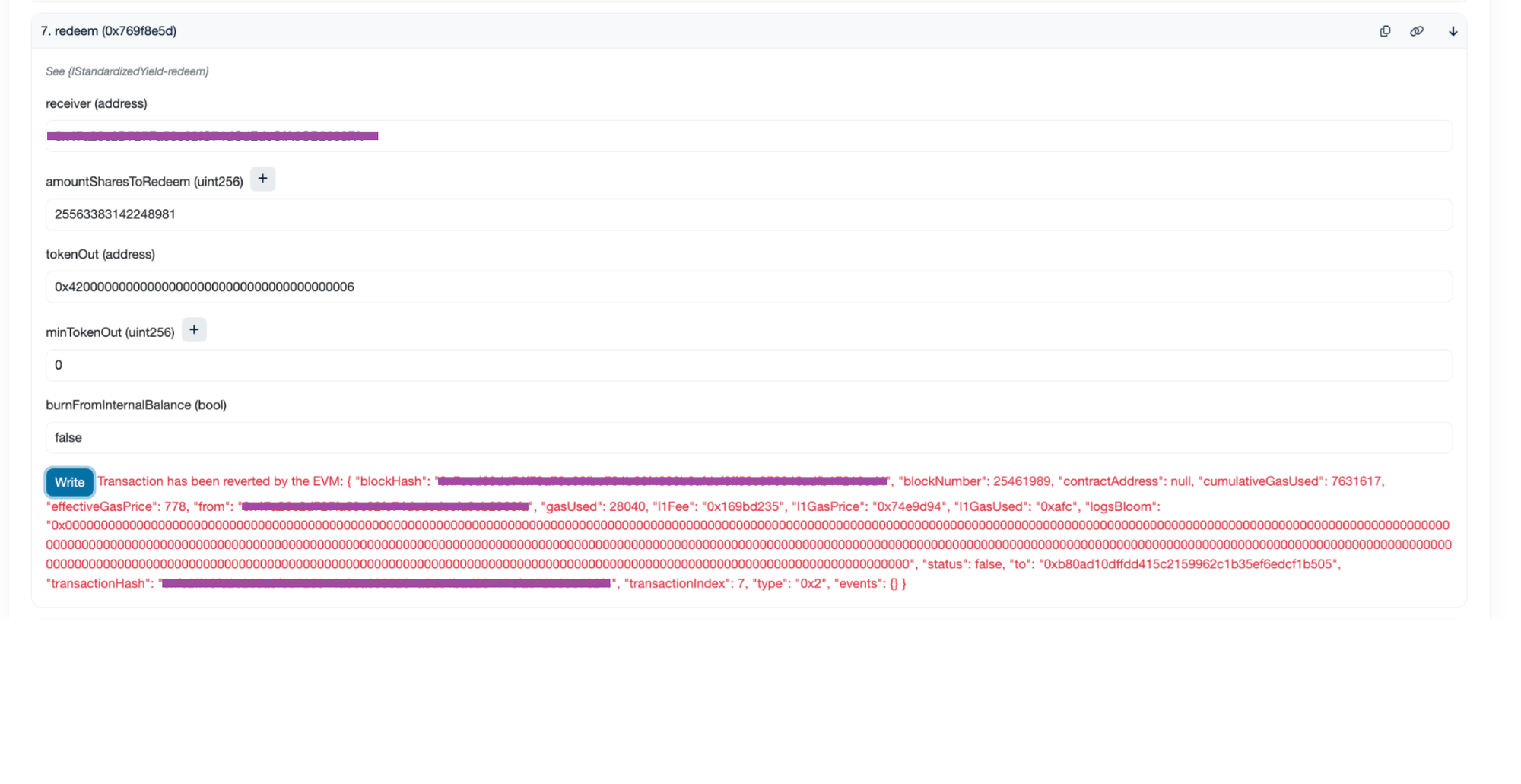
ERROR!!!
If there’s an error, you’ll see a red message. I had no idea what those meant, so I copied them into ChatGPT—and it fixed the issue for me. It turned out the tokenOut I used earlier was wrong. I updated it, clicked Write, signed in Rabby wallet, and it worked.
tokenOut: 0x4300000000000000000000000000000000000004
When it succeeds, there’s no big confirmation banner. I just opened my wallet and saw WETH appear. Then I unwrapped in Rabby Wallet and bridged to Optimism using Layer3.
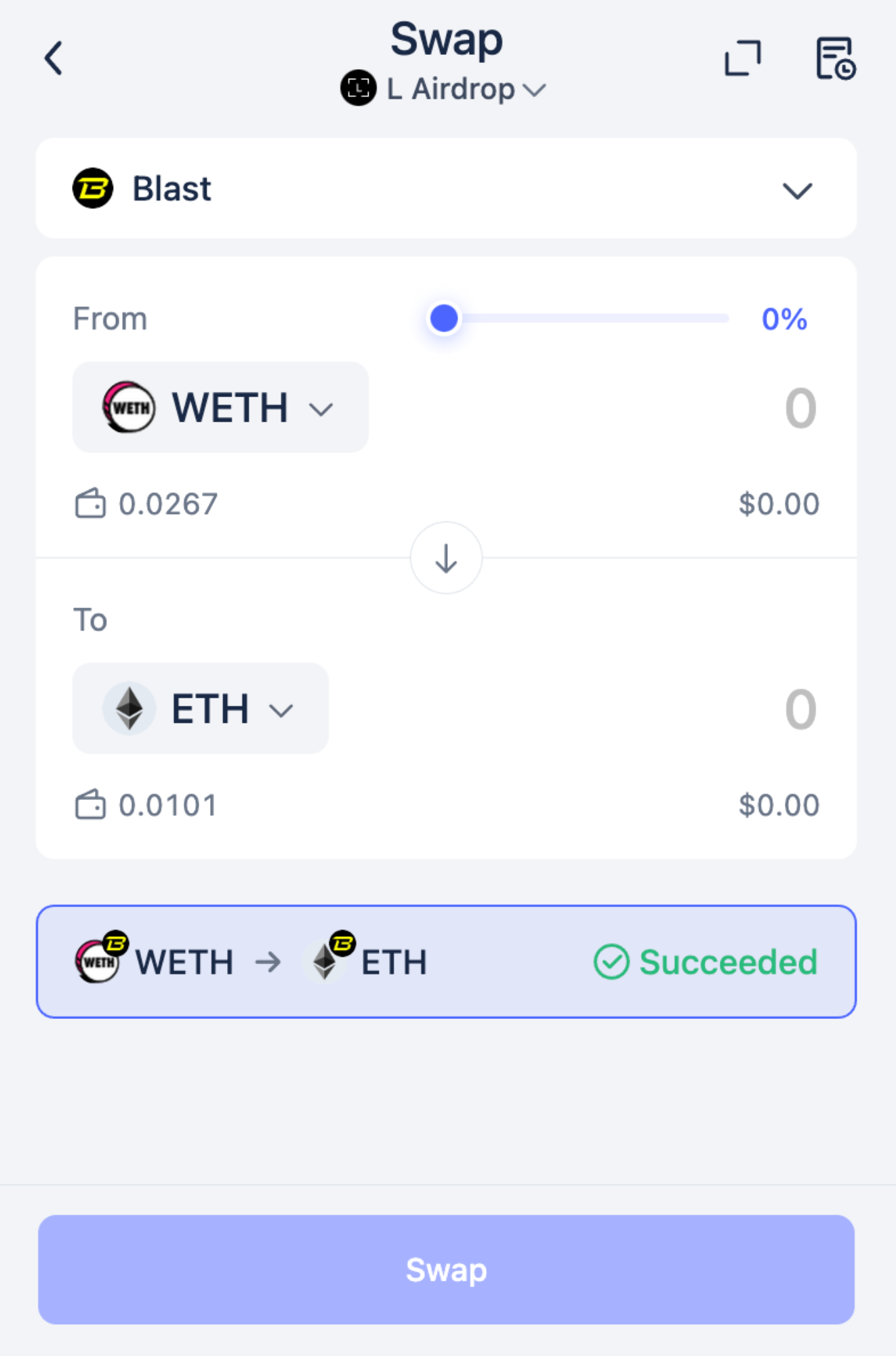
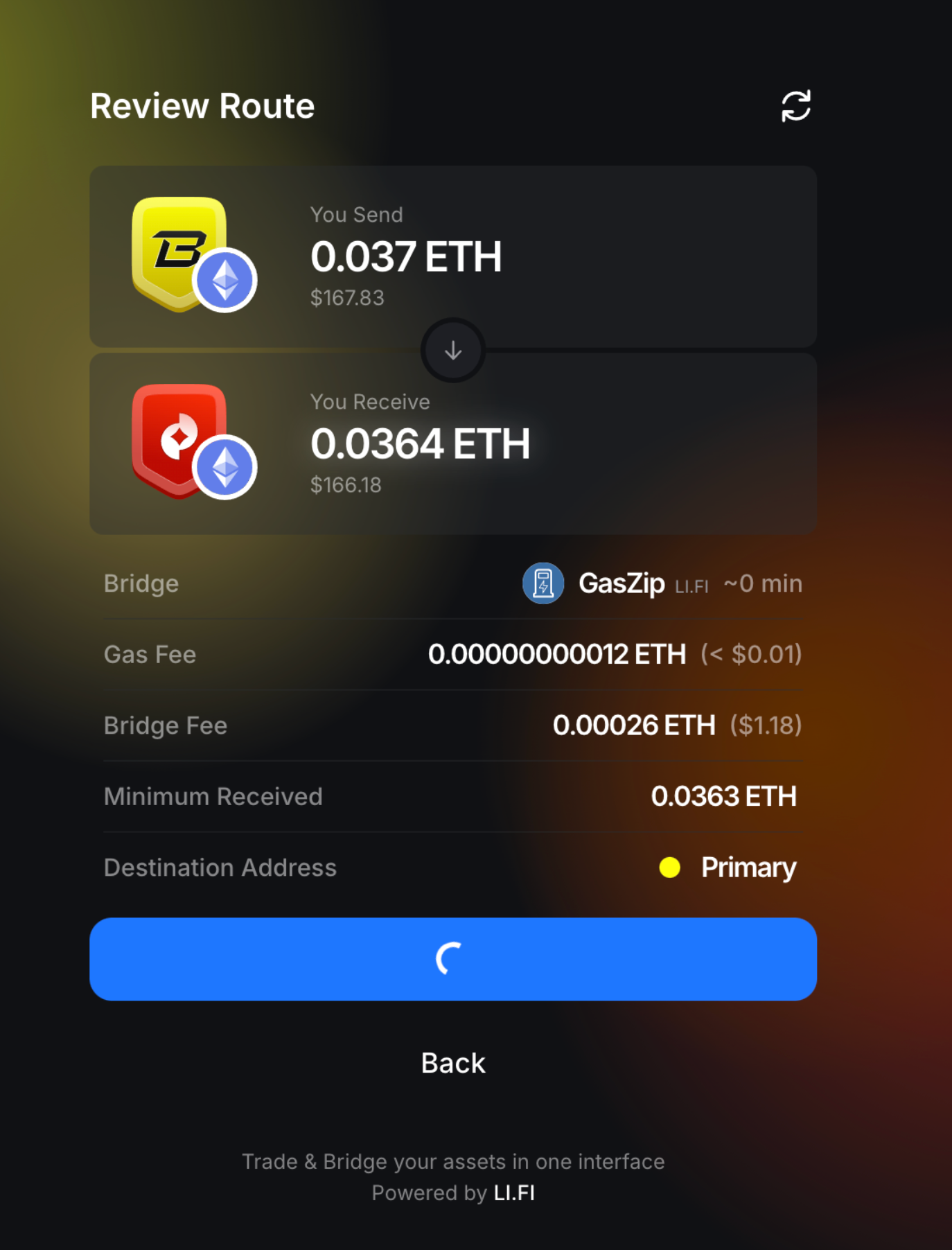
That’s the end of my story. Honestly, without ChatGPT I would have quit at that step, since I couldn’t figure out how to withdraw WETH from the staking pool.
Hope you enjoyed it. Thanks for reading!